





Skip to content

Make it. Post it.Do it again.

Remagica is an AI video studio on one canvas. Make Shorts, UGC ads and films with the best AI models, or tell the agent what you want and it builds the workflow for you.

Build AI video workflows, node by node.

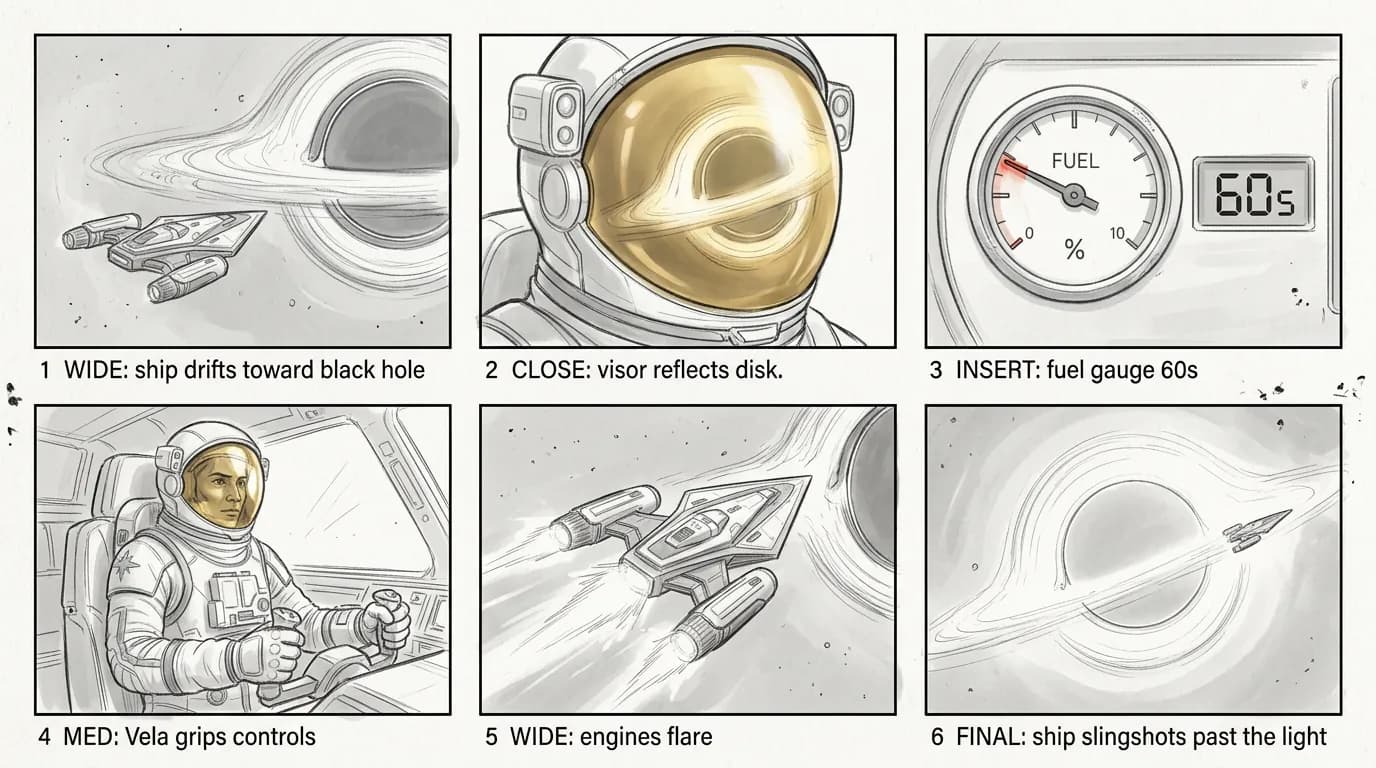
Each node is one model or one step. Wire them up and the canvas runs them in order, passing text, images, clips and audio down the wires, from a one-line idea to a finished Short.

Sixty seconds of fuelAll 7 nodes done
  • Every step is a node

    Prompts, images, video, voice, music and edits are each a node, running the model you pick for that step.

  • Results flow down the wires

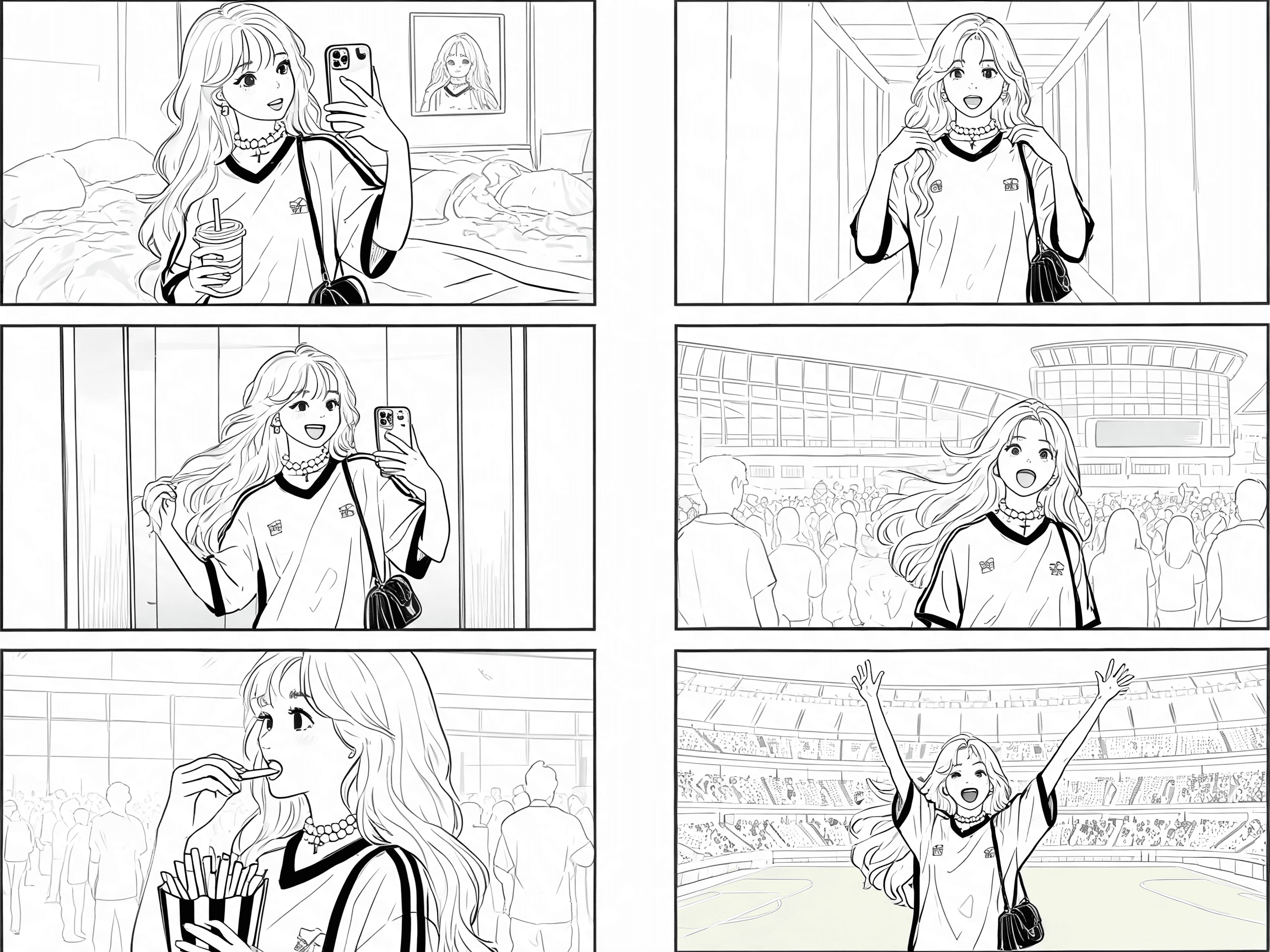
    Wire nodes together and each result flows into the next: a character sheet into a storyboard, the storyboard into a shot.

  • Run it again tomorrow

    Save the canvas as a template and run it again on a new idea, or hand it to the agent and let it run.

Describe it. The agent builds it.

Tell the agent what you want. It writes the script, picks the models, wires the canvas and runs it. Plan mode thinks it through first, Approve shows every change before it lands, Auto just builds.

Turn long videos into viral Shorts.

Clips turns one long video into a week of Shorts: it finds the best moments, scores them, reframes them around the speaker and captions every word.

Finds the moments worth posting

Find standout moments in podcasts, streams and vlogs using speech and visual analysis. Let Auto choose the length, or select a preset from under 30 seconds to 15 minutes.

  • Podcasts
  • Streams
  • Webinars
  • Vlogs
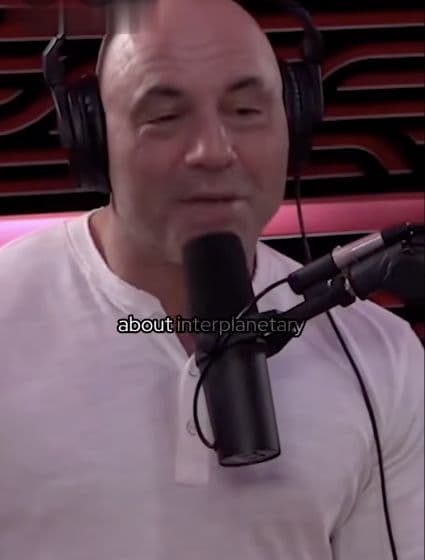
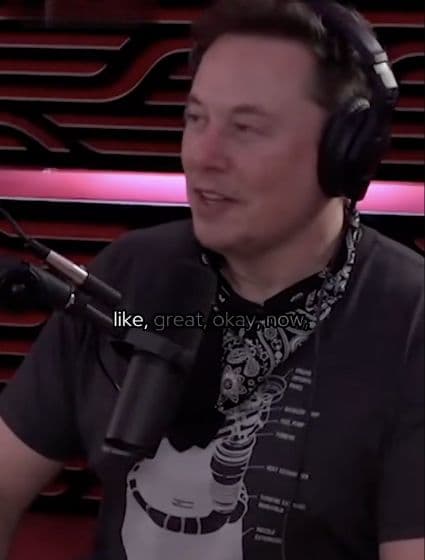
Elon Musk speaking with Joe RoganJRE #1609 · Elon Musk3:24:37

Know your best clip before you post

Every clip gets a virality score from 0 to 100, so you can compare the selected moments and choose what to post. Scores are estimates, not a guarantee of views.

  • Scored 0 to 100
  • Ranked for you
Demo score0
Demo score0

Reframes around whoever is talking

Clips tracks faces and adapts the layout to your footage. Two-person conversations can use a split layout; vertical gaming clips stack the facecam above or below gameplay.

  • Speaker tracking
  • Split layout
  • Facecam stacked
  • Screencast
Elon Musk speaking with Joe Rogan

Speaker tracking · 16:9

Elon Musk speaking with Joe RoganReframed for Shorts

Auto reframe · 9:16

Captions that keep people watching

Word-timed captions burn in as each word is spoken, in 26 looks from Bold Pop to Karaoke and Neon Glow. Move them, resize them, or export without them.

  • 26 caption looks
  • Word-timed
  • Position and size
  • Bold Pop
  • Karaoke
  • Highlighter Box
  • Neon Glow
  • Beasty
  • One Word
  • +20 more

A hook in the first second

An AI hook title lands in the first second of every clip, in 11 styles, so viewers know why to stay before they scroll.

  • AI hook titles
  • 11 styles

Do aliens exist?

Where is everybody?

Fine-tune every clip on the timeline

Open any clip on the timeline to change its cut, captions and hook. Edit by the transcript: delete a word and the video follows.

  • Timeline editor
  • Edit by script

Transcript editing example

So, um, where is everybody in the universe, like, and what would count as evidence?

Video
Captions
Hook
Audio

Cuts the silences and the ums

Review suggested filler words, repeated words and long pauses in the transcript. Remove one category or apply them together to tighten the cut.

  • Pauses
  • Fillers
  • Repeated words

The question is um where is everybody? pause 2.4 s It makes you know, you think about the universe.

Illustrative transcript · review suggestions before removing

Ready for every platform

Export 9:16 for Shorts, Reels and TikTok, 4:5 for feeds, or 16:9, at 720p or 1080p, with or without captions. Choose a 30 or 60 fps cap; slower sources keep their original frame rate.

  • 9:16, 4:5, 16:9
  • 720p / 1080p
  • Up to 60 fps
9:16
4:5
16:9

Consistent characters, every shot.

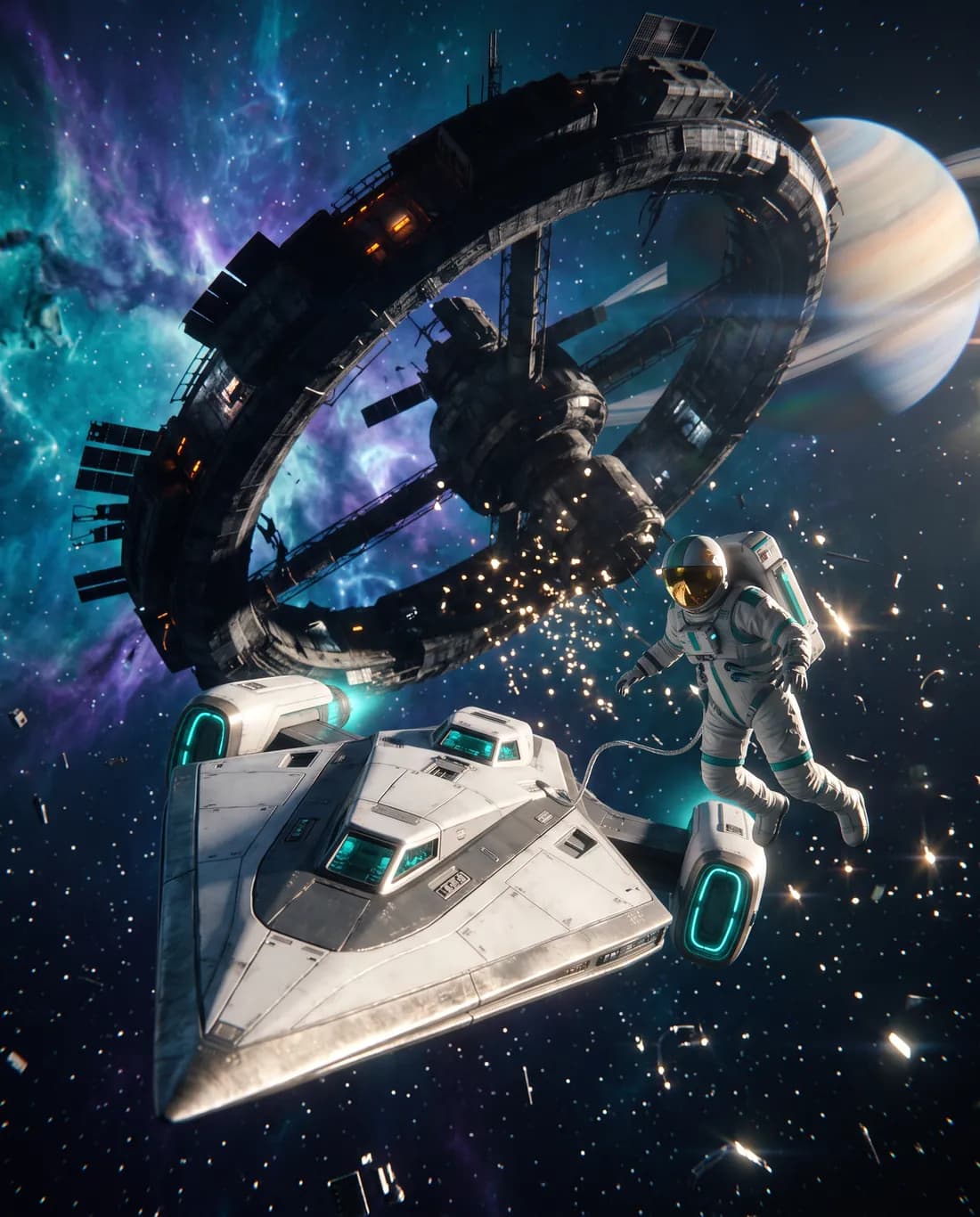
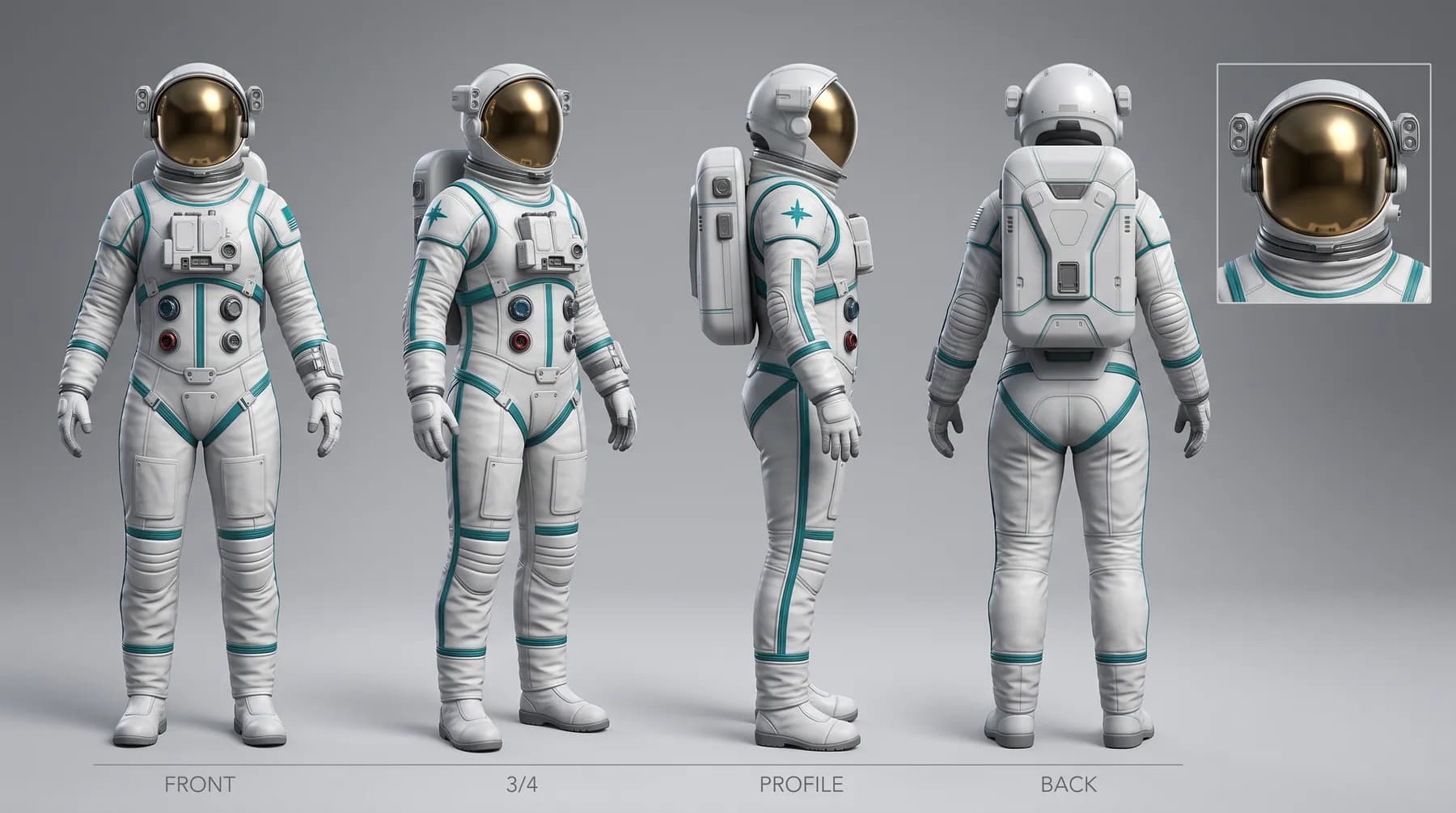
Create a character once: a locked description, reference images and a turnaround sheet. Mention her in any prompt, and every image, storyboard and clip keeps the same suit, helmet and ship.

Vela

AI Character

Description locked
Vela's character sheet: front, three-quarter, profile and back views, and a helmet close-up
Suit
White EVA suit, teal mission patch
Helmet
Mirrored gold visor, side lamp
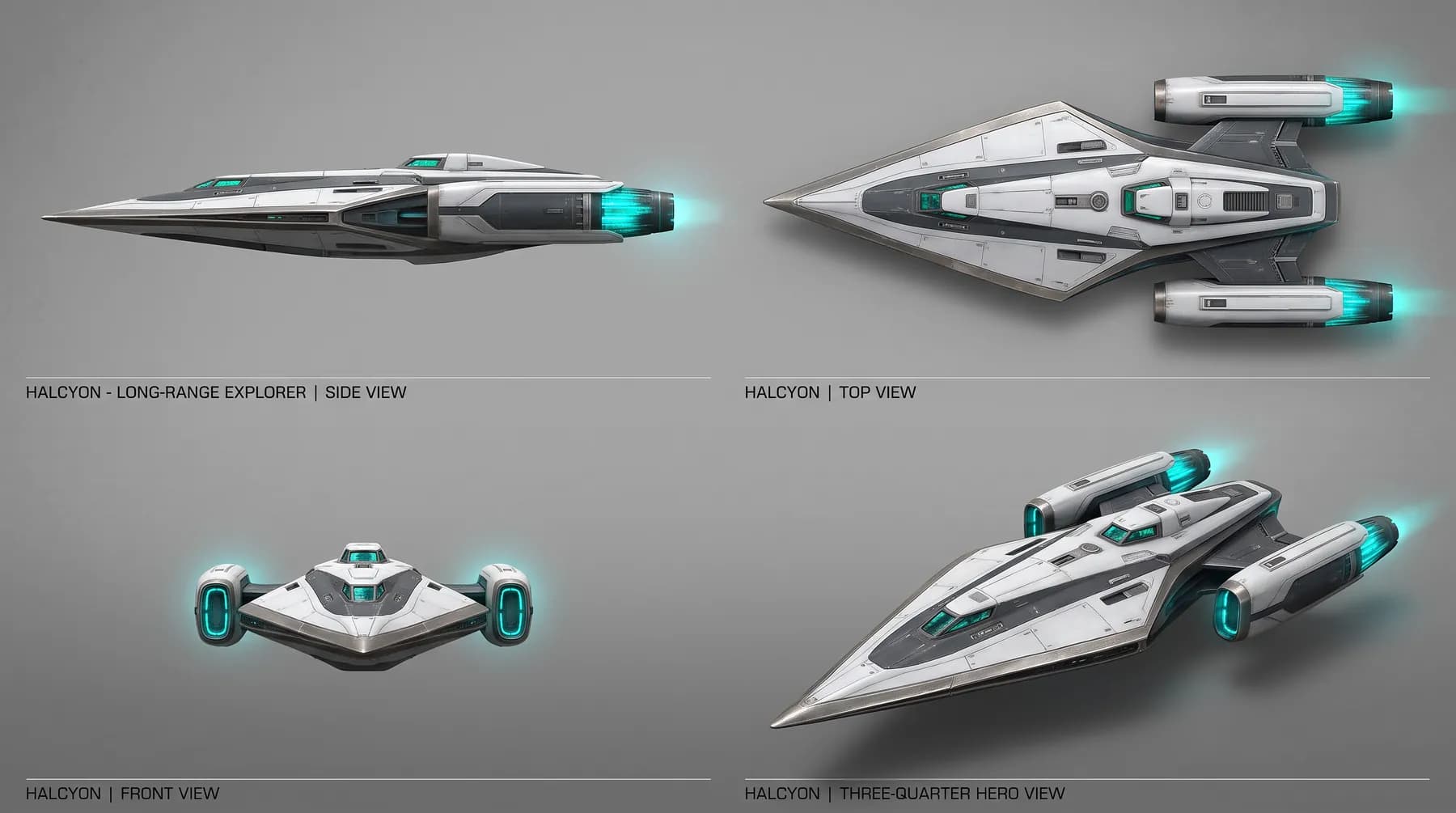
Ship
The Halcyon, twin engines

Prompt

@Vela floats beside the @Halcyon, the black hole bending light behind her.

Vela beside the Halcyon on a desert planet
On the dunes
The Halcyon at a derelict station
Docking
Last minute

The Halcyon

Prop sheet

The Halcyon prop sheet: side, top, front and three-quarter views

Turn product photos into UGC ads.

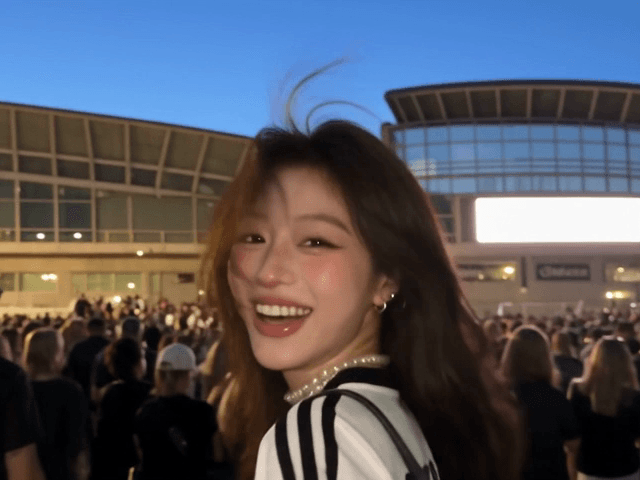
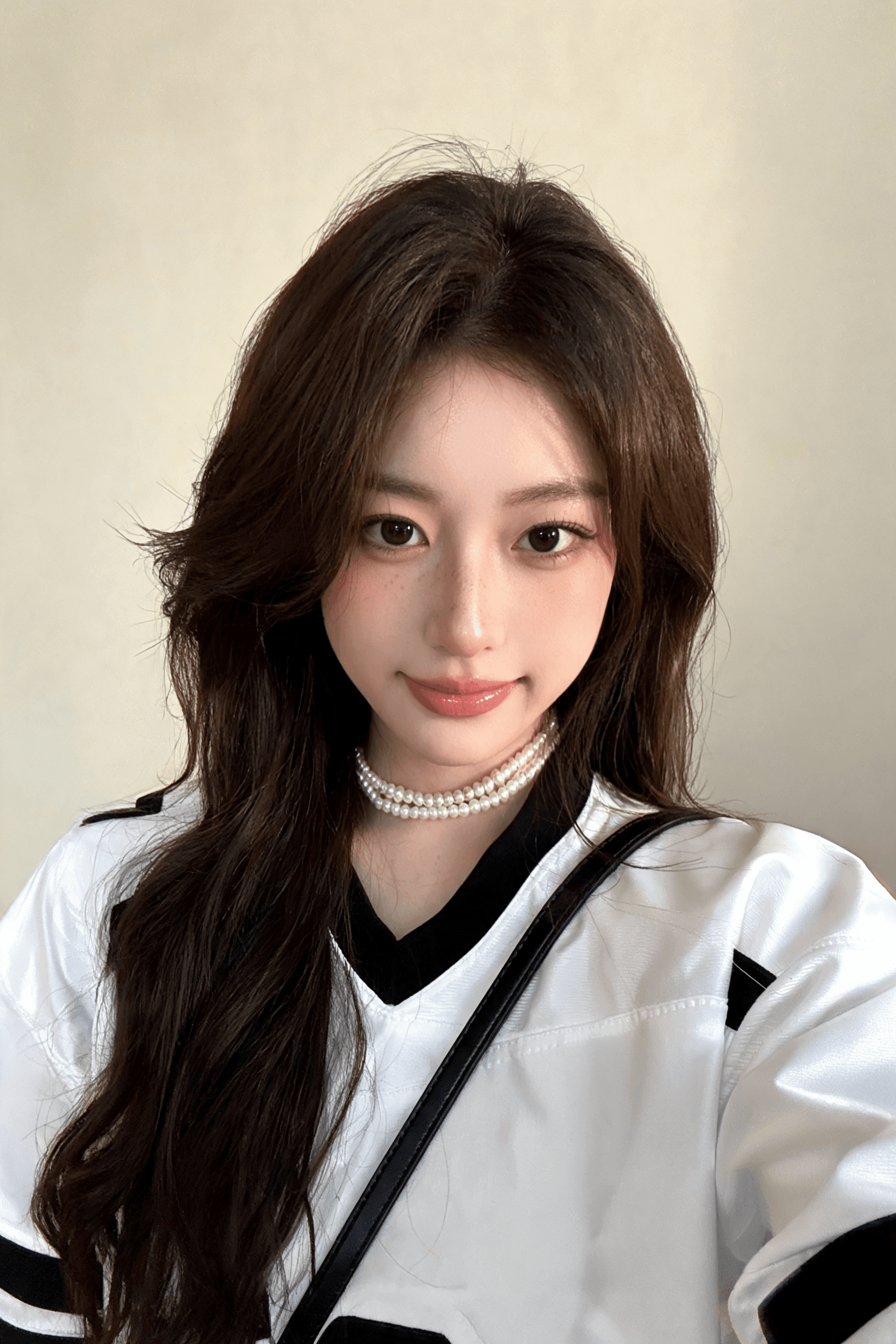
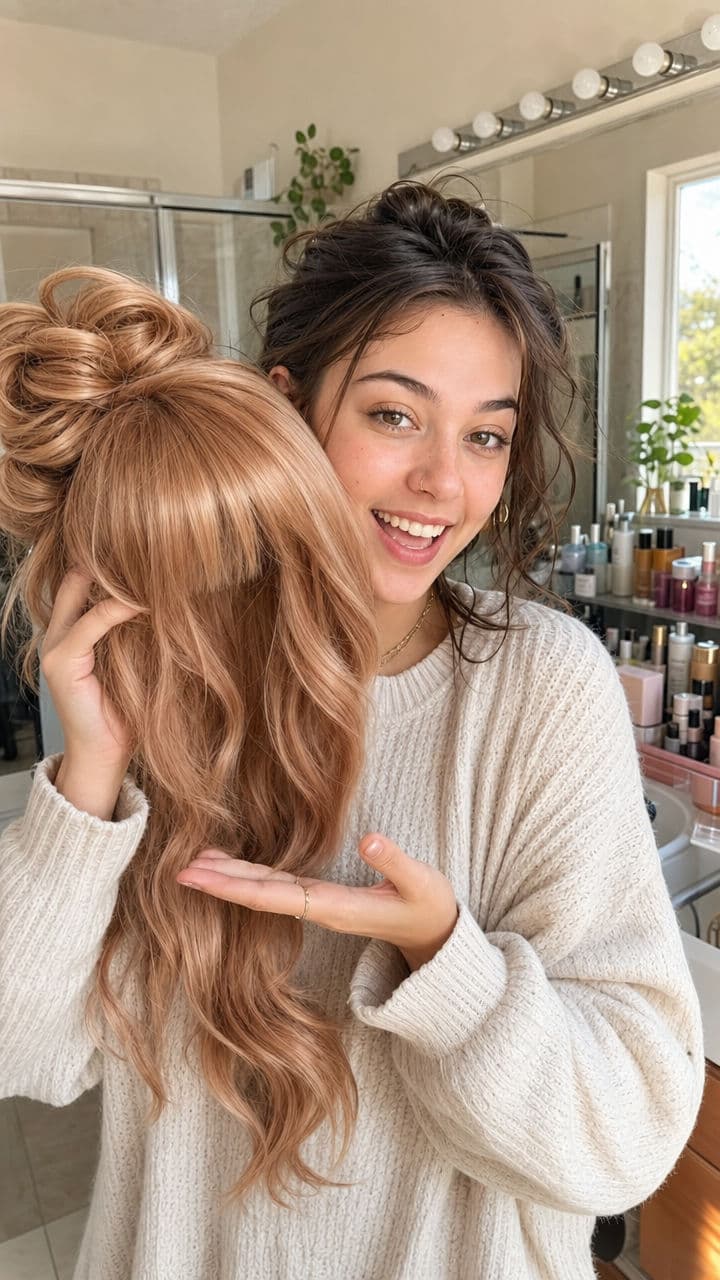
Create UGC-style video ads from a product photo. Pick an example, add your product, and customize the prompts to generate your images and video.

From product to creator video
Product image
Product image
Creator shot
Creator shot

Product → image prompt → creator shot → video script → review scene

Five workflows included

  • Wig
  • Smart speaker
  • Backpack
  • Snack
  • Serum
Explore Remagica UGC

One product photo. A whole campaign.

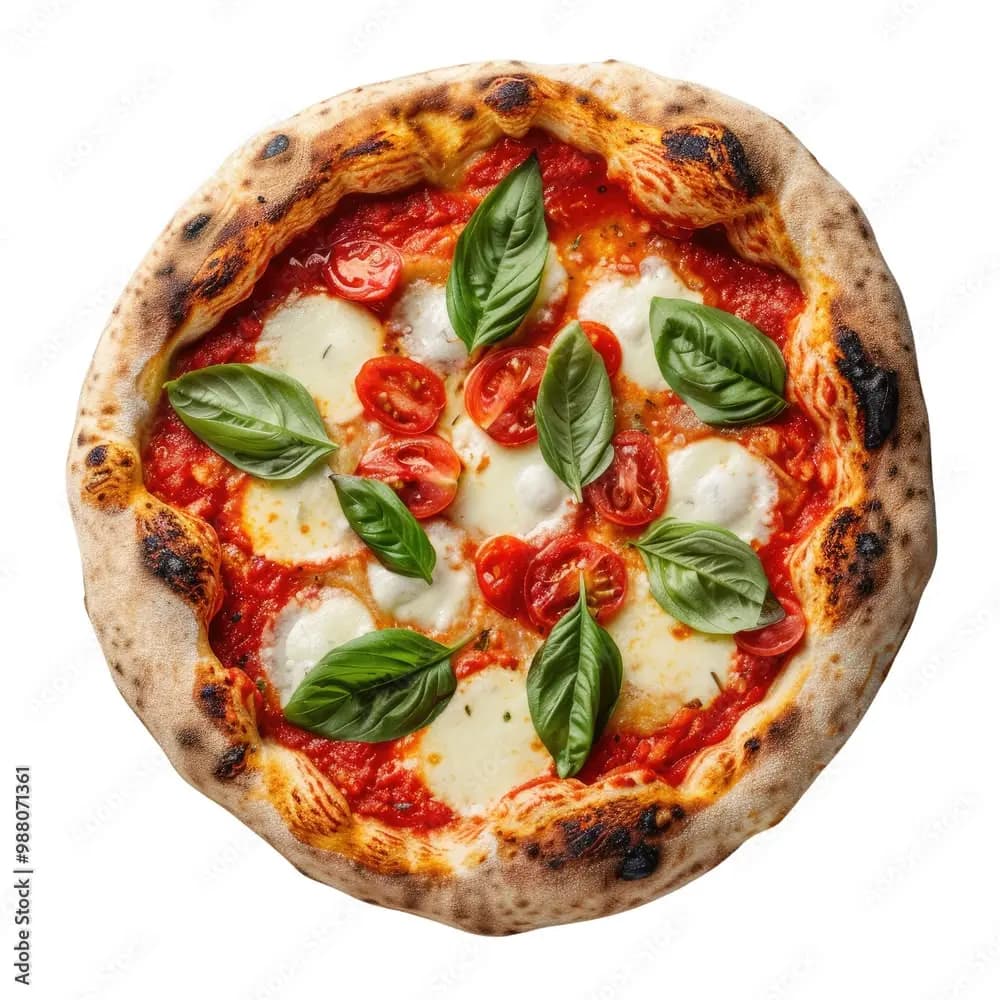
Menu to Campaign turns one pizza photo and a logo into a whole launch in the same look: cinematic food films, lifestyle photos, posters, social posts and motion ads.

The source: one margherita pizza photographed on white
menu-photo.pngSource
A pizza poster from the generated campaign
A lifestyle photo from the generated campaign
  • Cinematic food films
  • Lifestyle photos
  • Posters and social posts
  • Motion ads

Finish it on the timeline.

When you want your hands on it: a multi-track timeline with editing by script, silence trimming, auto-captions, music and sound effects, keyframes and 1080p export.

  • Media
  • Audio
  • Text
  • Captions
  • Transitions
  • Animations
  • Filters
  • Script

Script

So,um,Ifinallygotfront-rowticketsand,like,I'mstillshaking.

Delete a word and the cut follows. Pauses and fillers go in one click.

Front-row tickets

00:0000:0400:0800:1200:16
Video
Captions
SoIfinallygotfront-rowticketsstillshaking
Voice
Music

Every top AI model on one canvas

Seedance, Kling, Veo, Nano Banana, Seedream, ElevenLabs, Claude and Gemini, all on one canvas with one credit balance. Use the best model for each shot instead of the one your app happens to have.

Pay for what you make.

Every plan includes the canvas, the agent and every template. Credits pay for generation, so you only spend when a model runs.

Questions about Remagica.

What Remagica is, which models it runs and what it costs to start.

Remagica is an AI canvas for making video. Each node on the canvas is one model or one step, such as a prompt, an image, a video clip, a voice or an edit. You wire nodes together and the canvas runs them in order. An agent can also build and run the workflow for you from a plain description.

Make your first video today.

Write one line. Remagica turns it into a workflow, and the workflow into something you can post.

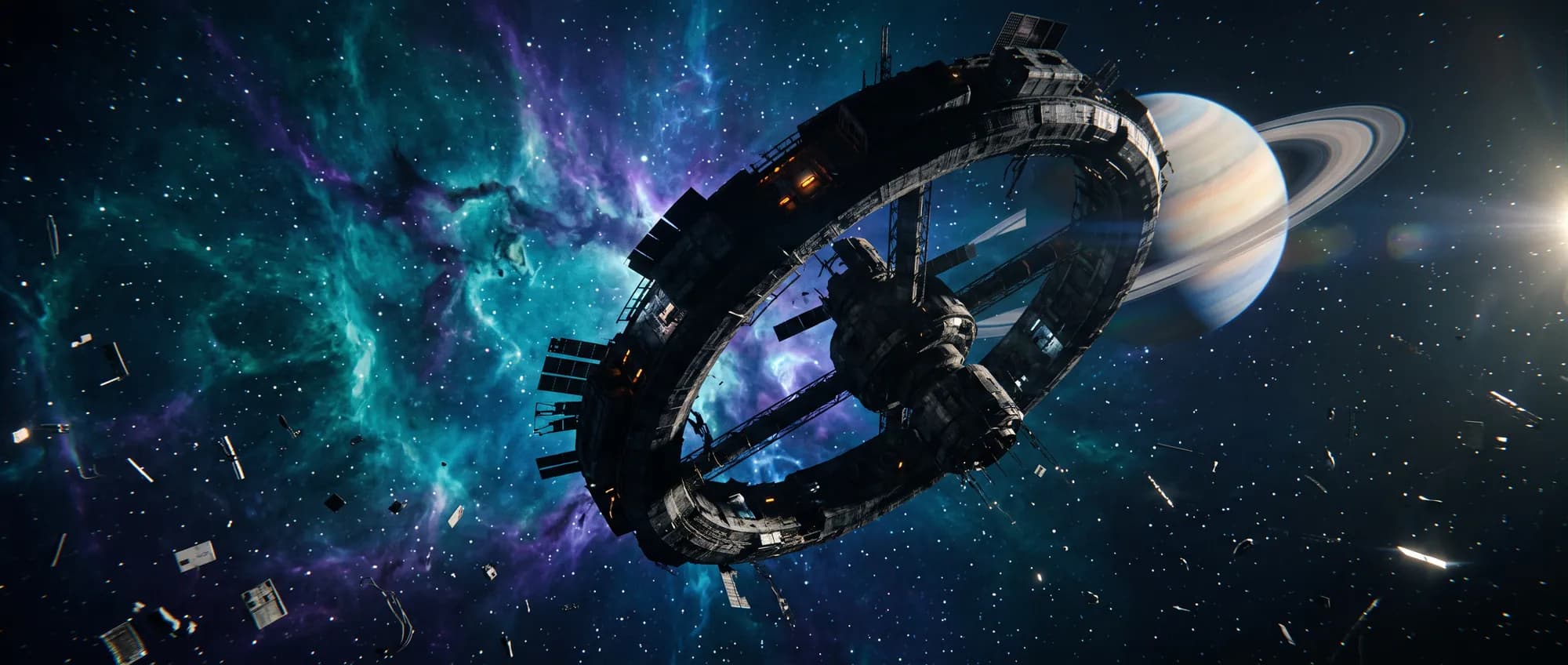
A 30-second faceless Short about an astronaut with sixty seconds of fuel

The agent builds the workflow from thisStart creating free

New workspaces start with free credits. Sign in